
Blocking Instagram Users: What Do They Really See?
Blocking Instagram Users: What Do They Really See?
Contents6
When you need peace and quiet on social media
We've all been there: sometimes you just want to Social Media just have some peace and quiet. Maybe a certain Users with funny comments, your ex-partner looks at every story or you simply don't want a certain person to see your posts. The block function on Instagram is a powerful tool for drawing digital boundaries.
But there is one question that almost everyone asks themselves: If Instagram block someone, what does the other person see then exactly? Will the person receive a message? Can they see my Profile still find somehow? And what happens to our old chats and comments? The uncertainty about this prevents many people from pressing the block button.
Don't worry! In this article, we'll explain to you very simply and without complicated words what happens step by step when you create a Block account. We take a look at ourselves, what the blocked Person sees (or no longer sees it) and also introduce you to a gentler alternative: the Restrict Instagram. In the end, you'll know exactly which option is right for you.
What happens immediately after I block a user?
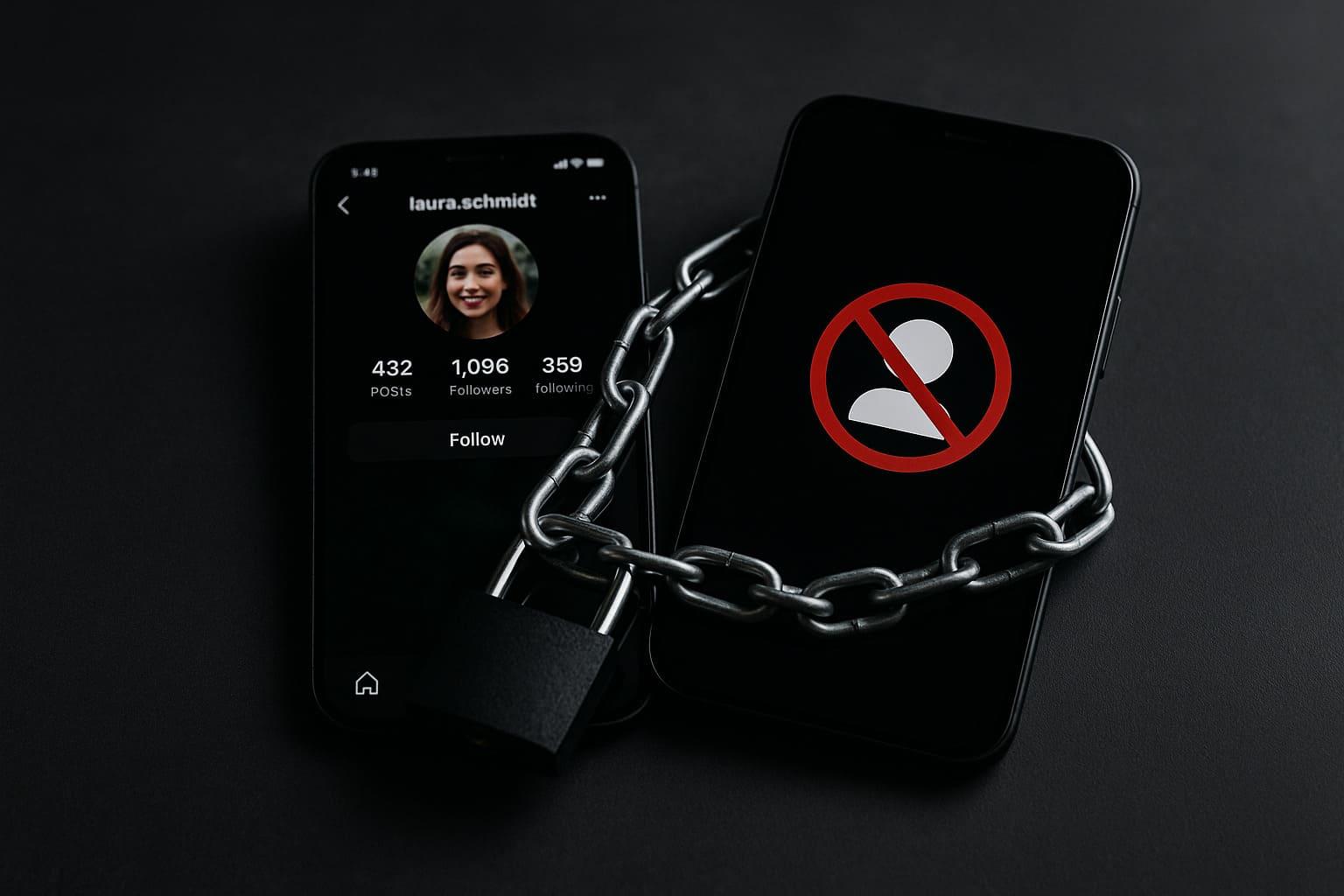
Imagine you press the block button. At that moment, an invisible wall is created between your and the other Account pulled up. The other person is pulled over it not informed by notification. She only notices if she actively tries to get in touch with you.
Let's look at the effects in detail:
The profile: Invisible as a ghost
This is the biggest change. For the blocked person, your Instagram profile virtually ceases to exist.
- Your profile is gone: If the person tries to go to your profile (e.g. via an old link), they will only see an error message such as "User not found" or "Sorry, this page is not available".
- No posts, no feed: All your pictures, videos and reels in your Feed are invisible to this person.
- No stories and highlights: Your current and saved highlight stories are no longer visible to the blocked person.
- Follower numbers are gone: The person can no longer see who you are following or who is following you.
In short: Your entire Instagram presence is created for this one Users completely invisible.
The search: Can the blocked person still find me?
No. If the person enters your name in the Instagram search, your profile will no longer appear in the search results. It's as if you were never there.
Likes and comments: What happens to old interactions?
This is where it gets interesting. Instagram does a great job of cutting the connection.
- Old likes disappear: All "Like" information that the blocked person has ever left on your posts will be removed.
- Old comments disappear: The same applies to comments. All comments that this Users written under your pictures or videos will be hidden.
Important: If you unblock it at some point, these old likes and comments will come back not back again!
Direct messages (DMs): The chat remains, but the connection is cut
What happens to the chat you may have had?
- The old chat history remains visible: Both you and the blocked person can continue to read the previous messages. The chat does not simply disappear.
- No new messages possible: But the most important thing is that you can no longer send each other new messages. The blocked Users sees the chat window, but the input field for typing is gone.
Lisa and Mark: A real-life example
Lisa has broken up with her boyfriend Mark. However, Mark continues to comment on her every new post, which makes Lisa very uncomfortable. She decides to block. What does Mark see now? Mark wants to check Lisa's profile as usual in the evening. He enters her name in the search - nothing. Strange, he thinks. He remembers an old chat and clicks on her profile picture. Instead of her profile, he ends up on an error page. He can no longer write her a message either. When he looks at an old post of his where Lisa had once left a comment, the comment is suddenly gone. It's clear to Mark: Lisa has it blocked.
The gentler alternative: Instagram "Restrict" explained
Sometimes a complete blockade is too hard. Maybe you don't want the person to realize that something is wrong, or you don't want to break off contact completely. This is exactly what the "Restrict Instagram". Think of it like a "soft block" or a digital bouncer.
What does "restrict" actually mean?
If you have a Users the following happens:
- Comments become invisible: If the restricted person comments on one of your posts, this comment is only visible to them. You will receive a notification and can decide whether you want to share the comment with everyone or simply ignore it (i.e. keep it hidden).
- Messages end up in the request folder: If the person sends you a direct message, it will not end up in your normal inbox, but in the "Requests" folder. You can read the message without the person receiving a "Seen" status.
- Activity status is hidden: The person can no longer see when you were last online or whether you have read their message.
The biggest advantage: the person with a disability notices all of this. nothing! Everything looks completely normal to her. She can see your Profile like and comment on your posts - they just don't know that their comments and messages are filtered by you.
Blocking vs. restrictingWhat is right for me?
| Action | Blocking (The hard border) | Restrict (The silent filter) |
| Profile visible? | No, completely invisible. | Yes, everything remains visible. |
| News? | No new messages possible. | Land unnoticed in the request folder. |
| Comments? | Person can no longer comment. | Comments become invisible to others. |
| Does the other person notice? | Yesthe person will notice it indirectly. | Nothe person doesn't realize it. |
| Ideal for... | Harassment, stalking, ex-partners, if you want a clean break. | Annoying relatives, people with strange comments if you want to avoid confrontation. |
How do I block (and unblock) someone? A quick guide
Block someone:
- Go to the Profile of the user you wish to block.
- Tap on the three dots (...) at the top right.
- Choose "Block«.
- Instagram asks you if you only want this Account or future accounts of this person. Select the desired option and confirm. Done!
Unblock someone:
- Go to your own profile.
- Tap on the three lines (☰) at the top right and then on "Settings and privacy".
- Scroll down to "Blocked".
- Here you will see a list of all the accounts you have blocked. Tap on "Unblock" next to the desired name.
FAQ: Frequently asked questions
Will the person receive a notification if I block them on Instagram?
No, by no means. Instagram never sends a direct notification like "Lisa has blocked you". The person only finds out indirectly, through the signs we have described above (profile gone, no search possible, etc.).
So can a blocked person see that I have blocked them?
Not directly, but she can figure it out. If someone suddenly can't find your profile, can no longer send you messages and all your old comments have disappeared, it's pretty obvious that they're blocked was.
What happens if I unblock someone?
If you unblock it, the digital wall will be torn down again. But not everything will be the same as before:
- You will not automatically follow each other again. You must send each other a new request.
- The old likes and comments that were removed as a result of the block will disappear.
What is the difference between blocking and setting the account to 'Private'?
A private Account is like a house with a locked door. Only people you allow (your followers) can look inside. Everyone else can only see your profile picture and your name. The Block is more targeted. It's as if you were banning a specific person, regardless of whether your front door is open (public profile) or closed (private profile).
Conclusion: You are in control of your social media experience
In summary, the question "block instagram what does the other person see" quite simply: The other person looks as good as nothing more from you. Yours Profile becomes invisible, communication is cut off and old interactions are deleted. It is the strongest method for drawing a digital boundary.
But also think of the gentler alternative "Restrict Instagram" if you want to avoid a confrontation but still have your peace of mind. Both functions are valuable tools that help you to keep control of who you are in contact with. Social Media interact. Use them wisely to make your online experience safe and positive.
If you block a user on Instagram, this person can no longer see your profile, your posts and your stories. They will also no longer be able to find you via search or send you messages. Old likes and comments from this person will be removed from your posts. The blocked person will not receive a direct notification about the block.
Bigfollow
Bigfollow has been the leading Swiss provider for social media growth, follower packages, likes and engagement boosts since 2022.