
Can You See Screenshots in Instagram Chat? The Truth
Can You See Screenshots in Instagram Chat? The Truth
Kurzantwort und Kaufhinweis ergänzt
Contents7
- The little panic after the screenshot
- The most important rule first: normal Instagram chat
- The big difference: Vanish mode (self-cancelling mode)
- Special case: single-view photos and videos
- Summary: When is there a notification and when is there not?
- FAQ: Frequently asked questions
- Conclusion: Normal is safe, secret is protected
The little panic after the screenshot
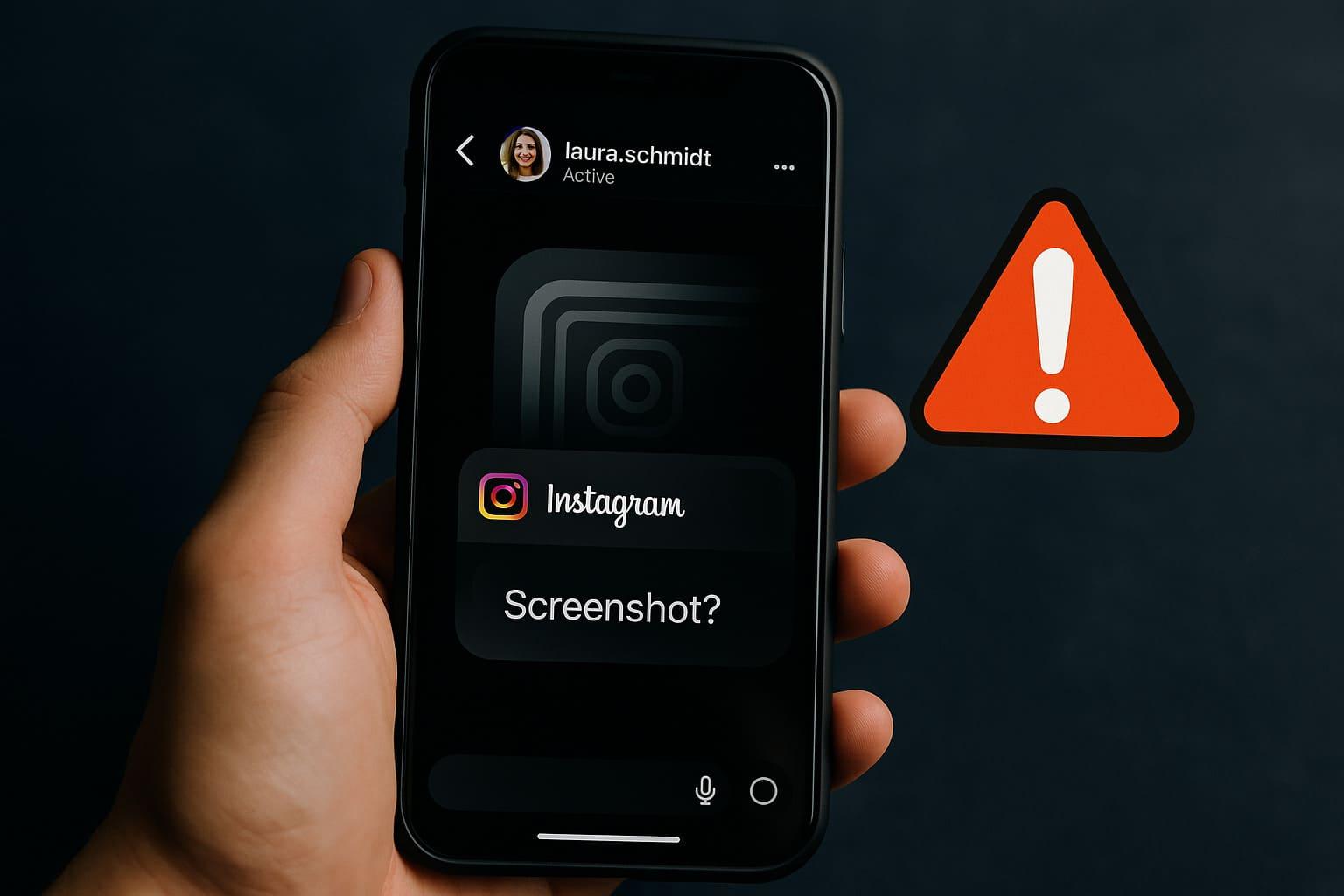
Your heart sinks for a moment. You've just had a Screenshot of a funny or surprising conversation in an Instagram chat to show a friend. And immediately the big question arises, which has already occupied countless users: Do you see screenshots on instagram chat? Has the other person now received a notification? Have I just given myself away?
This uncertainty is totally normal. Instagram has changed its functions again and again over the years, and the rules for screenshots are not always clear at first glance. There are many myths and half-truths circulating on the internet. But don't worry, you've come to the right place!
In this article, we shed some light on the subject. We explain to you in simple and understandable terms when someone sees that you have a Create screenshot and when you want to go completely unnoticed. We take a close look at normal chat, secret "vanish mode" and self-deleting photos so that you end up a real expert in Direct Messages are on Instagram.
The most important rule first: normal Instagram chat
Let's start with the most common case: the normal, everyday Chat on Instagramalso DM (Direct Message). This is the chat in which your messages are saved forever unless you delete them manually.
Screenshots of normal text chats
We can put your mind at ease here. If you take a screenshot of a normal conversation - i.e. normal text that you write back and forth - the following will happen: Nothing!
The other person will NOT receive a notification.
So you can capture a funny saying, an important piece of information or a funny autocorrect glitch as a screenshot without worrying. The other person won't find out about it.
Screenshots of normal, permanent photos and videos
The same applies to photos and videos that you send to each other from your cell phone gallery and that remain permanently visible in the chat. The rule here is the same:
The other person will NOT receive a notification.
If someone sends you a vacation photo or a funny video that remains in the chat, you can take a screenshot of it without the sender being informed.
Interim conclusion: In normal, permanent Instagram Chat, you can take screenshots to your heart's content. of texts and normal images. Your privacy is protected here and no one will be notified.
The big difference: Vanish mode (self-cancelling mode)
Now it's getting exciting, because everything is changing! Instagram has a special function called "Vanish mode". This is a kind of secret chat mode in which all messages (texts, photos, etc.) disappear by themselves after the other person has seen them and closed the chat.
What is Vanish mode anyway?
You can activate this mode by simply swiping up from the bottom of an existing chat. The screen will then go dark and the message "Vanish mode" will appear at the top. All messages you send now are temporary. If you swipe up again, you will return to the normal chat. This function is great for confidential conversations.
See screenshots here! The notification function
And this is where the big difference lies. Vanish mode is designed for maximum privacy. That's why Instagram has built in a protection function here. If you take a screenshot of anything in Vanish mode - whether it's text, a Photo or a GIF - the following happens:
The other person will be notified IMMEDIATELY!
A small line will then appear directly in the chat with the text: "[User name] has created a screenshot." You can't miss that. The idea behind it is clear: what happens in Vanish mode should stay in Vanish mode.
Special case: single-view photos and videos
In addition to Vanish mode, there is another form of self-deleting content in normal chat. You can take a photo or video directly via the camera in the chat and send it as a "one-time view". The other person can view this Photo then only open it once, after which it is gone.
Can you see screenshots here? Yes!
The rule of transience also applies here. Because this type of Photo is not intended to last forever, Instagram protects the sender. So if the recipient takes a screenshot of such a single-view photo, the sender will be informed.
The other person receives ONE notification.
A small, circular symbol that looks like an exploding star will then appear next to the sent message. This symbol signals to you: "Attention, a screenshot has been taken here!"
Mia and Jonas: An example from everyday chat life
Mia sends her good friend Jonas a funny selfie directly with the chat camera and selects the "one-time view". Jonas finds the picture so funny that he quickly sends a Create screenshot wants to. The moment he does, Mia sees the little star symbol next to the "Photo open" message in her chat. She knows immediately and writes to him laughing: "Haha, gotcha!". Later, they switch to Vanish mode to talk about a surprise party. Mia takes a screenshot of the details so as not to forget them. The sentence "Mia took a screenshot" immediately appears in Jonas' chat. Both examples show what the notifications look like in practice.
Summary: When is there a notification and when is there not?
| What is being screenshotted? | Normal chat | Vanish mode / single-view photo |
| Normal text | ❌ No notification | ✅ Notification! |
| Normal photo (from gallery) | ❌ No notification | ✅ Notification! |
| One-time view photo (from chat camera) | ✅ Notification! (star symbol) | (Not applicable) |
FAQ: Frequently asked questions
Do you see a notification for Instagram Story screenshots?
No! This is one of the biggest myths. Many years ago, this feature existed for a short time, but Instagram removed it. So today (and also in 2025) you can take screenshots of other people's Stories without them receiving a notification. This applies to photos, videos and texts in Stories.
Is there any way to bypass the screenshot notification?
There are tricks that people try, such as activating flight mode or using the app via the web browser on the computer. However, these methods are often unreliable as Instagram is constantly updating its systems. The safest way to save a picture unnoticed would be to take a picture with a second phone - but this is of course inconvenient. In general, you should Data protection settings and respect the privacy of others. If something is self-extinguishing, there is usually a good reason for it.
How do I activate vanish mode in an Instagram chat?
It's quite simple:
- Open an existing chat.
- Swipe your finger upwards from the bottom of the screen.
- Press and hold briefly until the screen goes dark and the mode is activated.
- To exit it again, simply tap on "Deactivate Vanish mode" at the top or swipe up from the bottom again.
Conclusion: Normal is safe, secret is protected
The answer to the central question "you can see screenshots at instagram chat" is therefore a clear "It depends!". The rule of thumb is very simple and easy to remember:
- In normal, permanent chat you can rest assured. Delete screenshots from texts or normal photos none Notification off.
- For all self-deleting content caution is advised. Both in the Vanish mode as well as with One-time view photos the sender always informed via a screenshot.
At the end of the day, it's always best to respect each other's privacy. Just assume that anything you share online can potentially be saved by someone - with or without notification. With this knowledge, you can use the chat functions of Using Instagram safely and confidently.
No, with a normal Instagram chat you see screenshots of texts or permanently sent photos. No notification is sent. A notification is only triggered if a screenshot is taken of self-deleting content, i.e. in a chat in "vanish mode" or of a photo that was sent for "one-time view".
Bigfollow
Bigfollow has been the leading Swiss provider for social media growth, follower packages, likes and engagement boosts since 2022.