
What is an Instagram Feed? Your Simple Guide to a Perfect Gallery
What is an Instagram Feed? Your Simple Guide to a Perfect Gallery
Contents6
More than just a collection of images
You hear it everywhere in the Instagram world: "Wow, what a beautiful feed!", "Your feed has a great aesthetic!" or "I need to clean up my feed again." But wait a minute, what is a feed on instagram exactly? And why does everyone talk about it as if it were an art form?
If you're asking yourself these questions, you've come to the right place. Many people use the word "feed" but don't realize that Instagram actually has a feed. Two different types of feeds exists. Understanding this is the first step to Really mastering Instagram.
In this article, we'll explain to you very simply and without complicated terms what a feed is, where you can find the different feeds and - this is the most exciting part - how you can design your own feed so that it inspires people and gets them to press the "Follow" button.
The 2 types of feeds on Instagram: The big difference
First things first: when people talk about "the feed", they can mean two very different things. Let's break that down.
1. your home feed: The window to the world of your friends
Imagine you open the Instagram app. The page you land on and where you can click through the Pictures and scrolling videos of the people you follow - this is your home feed.
- What do you see here? Here you can see a colorful mix of the latest Posts from your friends, influencers and brands you follow. In between, Instagram also mixes in advertising and suggestions for other accounts that you might like.
- Who determines the order? Not you, but the Instagram algorithm. It tries to guess what interests you the most and shows you these Contributions further up. That's why you don't always see everything in chronological order.
You cannot design your home feed, you can only influence it through your behavior (who you follow, what you like).
2. your profile feed (your grid): Your personal business card
Now we come to the feed that everyone talks about when it comes to design and aesthetics. If you go to your own profile (or someone else's profile), you'll see a gallery of all the posts you've made. Pictures and videos, usually in a grid of three columns. This is your profile feedoften also called "grid".
- What do you see here? Only your own, permanent Contributions. Your stories don't appear here.
- Who determines the order? You! The order of your Posts is chronological, the latest post is always at the top left. So you have full control over how this gallery looks.
Your profile feed is your figurehead, your shop window, your personal work of art. And that's exactly what we'll be looking at in the rest of this article.
Why a beautiful profile feed is so important
Imagine your profile feed is the cover of your personal magazine. When a new visitor comes to your profile, they take a quick look at your bio and your feed. In these few seconds, they decide whether they like what they see.
A coherent and appealing feed...
- ...makes a professional and well thought-out first impression.
- ...tells a visual story and shows who you are and what you stand for.
- ...can encourage visitors to stay longer on your profile and look at more of your Contributions to view.
- ...is the decisive factor that turns a visitor into a new customer. Follower makes.
Sophie's travel blog: An example
Sophie loves traveling and posts her pictures on Instagram. At the beginning, her feed looks chaotic: a dark party photo, next to it a super bright beach picture, then a food selfie. The Pictures are beautiful on their own, but together they seem restless. Many people visit her profile, but only a few follow her.
Sophie learns what a feed is and decides to make a change. She opts for a uniform, "warm" look. She edits all her Pictures with the same filter and plans its Posts so that landscape shots and portraits alternate. Suddenly her profile feed looks like a professional travel magazine. Visitors are enthusiastic and her follower numbers start to grow steadily.
How to create a feed that inspires: 3 simple ways
You don't have to be a professional designer to have a beautiful feed. With just a few simple tricks, you can achieve a huge impact.
Way 1: Find your style (colors and filters)
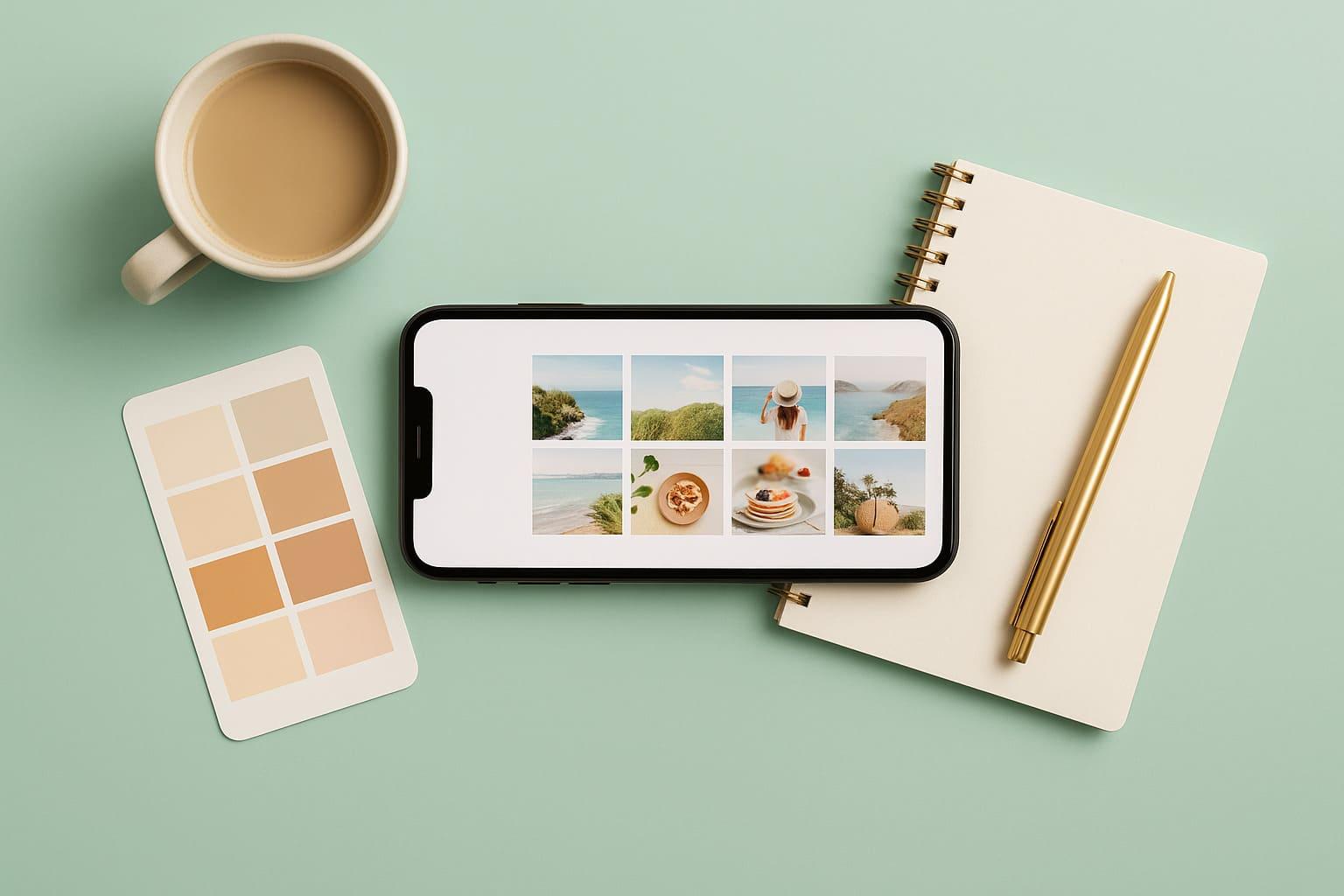
The easiest way to achieve a harmonious feed is visual consistency. This means that your Pictures should have a similar "look and feel".
- Find your color palette: Think about which 2-3 main colors you want to use again and again in your Posts should appear. These can be warm earth tones, cool blues or bright neon colors - whatever suits you.
- Use the same filter: Always edit your photos with the same or a very similar filter (e.g. from the VSCO or Lightroom app). This immediately creates a uniform mood. A useful tool for discovering color palettes, for example, is Adobe Color.
Way 2: Choose a layout (the pattern of your posts)
You can use your Contributions in such a way that they form an interesting pattern in a grid of 3. This requires some planning, but has a great effect.
- Tiles / chessboard: Always alternate between two different types of Posts off. For example: a photo, then a quote, then another photo, then another quote. This results in a nice chessboard pattern.
- Row by row: Each row of 3 has its own theme or color. The first row is only portraits, the second only landscapes and so on.
- Puzzle feed: In this case, several individual Posts a large overall picture. This is very time-consuming, but can look spectacular. However, it is not recommended for beginners.
Way 3: Plan your contributions in advance
To maintain a certain layout or color harmony, you must change your Posts plan in advance. You can no longer just spontaneously post what you've just photographed.
- Use planning apps: There are apps like "Later" or "Planoly" that allow you to see a preview of your feed. You can also Pictures upload them, drag and drop them and see how they look together before you publish them. Many of these tools offer a free basic version.
- The "do-it-yourself" method: Create a private test Instagram account. There you upload your Pictures to see how they interact in the feed before you post them to your real profile.
FAQ: Frequently asked questions
How can I change the order in my Instagram feed?
You can change the order of already published Contributions in your profile feed not change. The feed is always chronological. The only way to influence the order is to delete old Posts to delete or archive them and to save your future Posts to plan carefully.
Why can't I see all the posts in my home feed?
This is due to the Instagram algorithm. It doesn't just show you everything in the order in which it was posted. Instead, it tries to show you the Contributions to show you the ones he thinks you like best first. They decide this based on your previous likes, comments and who you interact with the most.
How can I remove a post from my feed without deleting it?
That's what the ingenious "Archive" function is for! If an old post no longer fits into your beautiful new feed, but you don't want to lose it forever, you can archive it.
- Go to the article.
- Tap on the three dots (...) at the top right.
- Select "Archive". The post will disappear from your profile feed, but will still be visible to you in your private archive and can be restored at any time.
Conclusion: Your feed is your creative playground
Now you know everything you need to know about "what is a feed on instagram". You know the difference between your home feed, which shows you to the world, and your profile feed, which shows the world who you are.
Your profile feed is your chance to make an unforgettable first impression. It's your personal gallery, your business card and your visual story all in one. You don't have to be a professional to make it beautiful. With a few simple tricks of color choice, layout and planning, you can make a huge impact.
So, take a look at your own feed with fresh eyes. Does it tell the story you want to tell? If not, now you know how to go about it!
A "feed" on Instagram can mean two things: 1. the Home feed is the start page where you scroll through the posts of the accounts you follow. 2. the Profile feed (also called "Grid") is the personal gallery of your own pictures and videos on your profile page. This feed can be creatively designed to create a uniform and appealing first impression.
Bigfollow
Bigfollow has been the leading Swiss provider for social media growth, follower packages, likes and engagement boosts since 2022.